


Hajj Visa status
Alkış Turizm
Writer
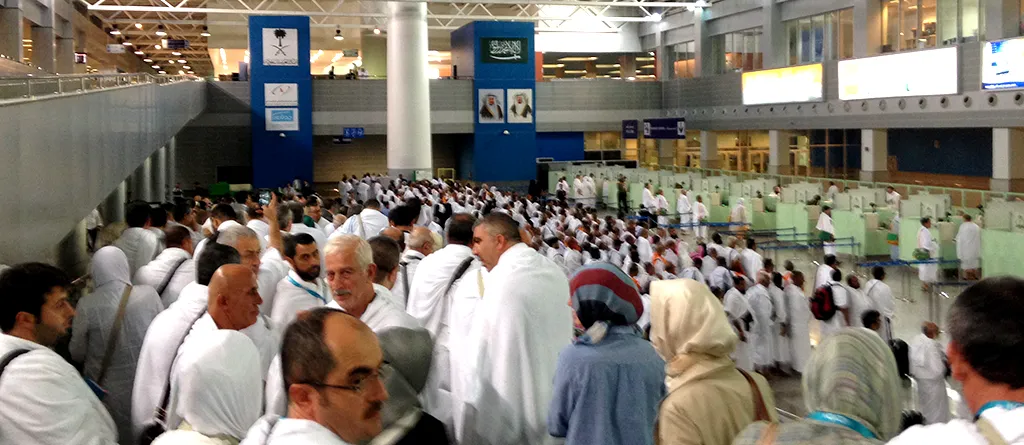
Dear Hajj Candidates; He announced that it will be done through the Visa Bio application.
In order to complete this process, we need to download the Saudi Visa Bio application to the mobile phone and register the e-mail address established on the mobile phone to the system during the registration process. At the same time, during the registration process, a photo of the prospective pilgrim's passport or a clear copy of the passport's photo page must be taken.
- In the step, the Hajj option must be selected on the Visa Type page.
- In the step, the photo page of the passport must be scanned by clicking on the Scan Passport tab. When the scanning is successful, the copy of the passport will appear on the screen. Continue by clicking the box below and pressing the Continue button. Continue by pressing the Continue button on the next page.
- Visa Application Details
Issuing Embassy option should be selected as Turkey/Istanbul.
In the Previous Visa option, you will be asked whether a visa has been obtained for Saudi Arabia before. Pilgrims who select Yes will be asked for the passport number from which they obtained the old visa. Therefore, pressing the No key will shorten the process.
A photo of the pilgrim's face is taken by clicking the Start Face Capture button at the bottom of the next page.
The photo should be taken with the face in the middle of the screen, with two rings overlapping each other.
If the 'Move Closer' warning appears, the camera should be brought closer to the face.
'Plain Background Required! If the warning appears, the background must be plain and light single color. (It can be in front of a white wall).
Then, the image of the left hand thumb, the left hand 4 fingers together, then the right hand thumb, then the right hand 4 fingers must be uploaded to the system.
While the captured images are being uploaded to the system, the word 'PROCESSING' appears in the bottom middle of the screen.
If the upload is not successful, some fingers must be loaded one by one.
After the upload is completed, the passport photo taken at the beginning of the process and the biometric image of the fingerprint appear on the screen. When these images are approved, the process is completed.
When the process is completed, a confirmation e-mail will be sent to the email address used when registering.
Possible Errors and Solutions
Possible errors and solutions that our pilgrims may encounter during the process are explained in the video below.
Alkış Turizm
Yazar
As Alkış Turizm, we are with you in your pilgrimage and umrah journeys.
Our other articles arrow_forward